Ongoing programs
Remote Patient Monitoring (RPM)
Your readings reach your care team — without leaving home
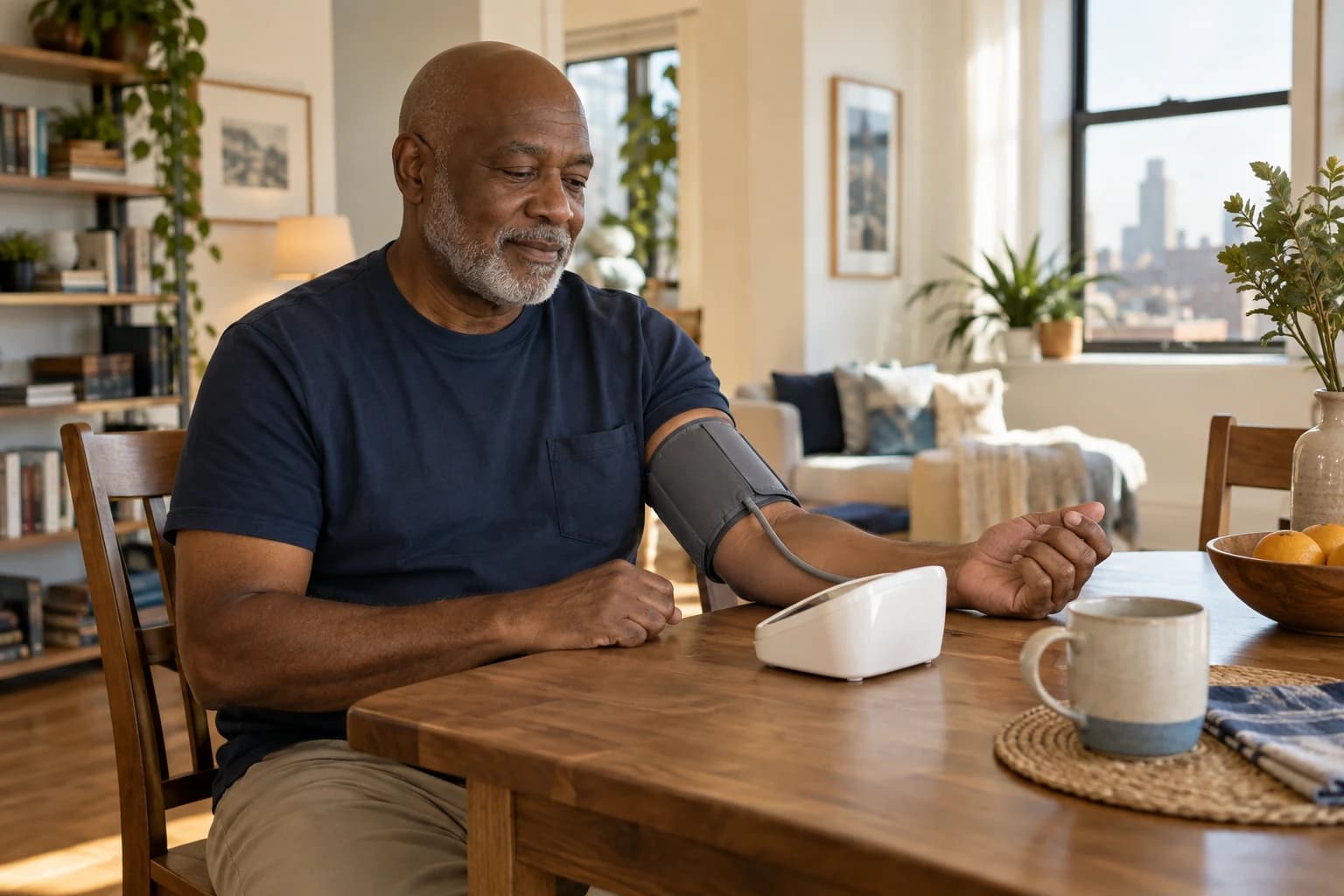
Blood pressure, blood sugar, and weight can change quickly — often before you feel anything. With Remote Patient Monitoring (RPM), a simple connected device sends your readings to our care team, so we can spot trends early and adjust your care without waiting for your next visit.
- Where
- At home, with a connected device
- Tracks
- Blood pressure, glucose, weight, oxygen
- Coverage
- Medicare Part B
RPM
Take a reading at home. Your care team sees it.

At a glance
What to know before you start.
- 01
Who it's for
Established patients with a condition that benefits from regular readings, such as hypertension, diabetes, or heart failure.
- 02
Where care happens
At home. You take readings on your own schedule; our team reviews them and contacts you when something needs attention.
- 03
Coverage
Medicare Part B covers RPM when it is medically necessary. Coinsurance and deductibles may apply.
- 04
How to start
Your physician orders RPM, and we help you set up the device and learn to use it.
Who qualifies
Is this right for you?
RPM may help if you have a condition your physician wants to follow closely, for example:
Whether a service is right for you is a clinical decision you make together with your physician.
- High blood pressure that is hard to control
- Type 1 or type 2 diabetes
- Heart failure, where daily weight changes matter
- COPD or other lung disease that affects oxygen levels
- Recent hospitalization, medication changes, or a new diagnosis
What's included
How RPM works
Devices are chosen to be simple — most readings take less than a minute.
A connected device
A blood pressure cuff, glucose meter, scale, or pulse oximeter that sends readings automatically.
Setup and training
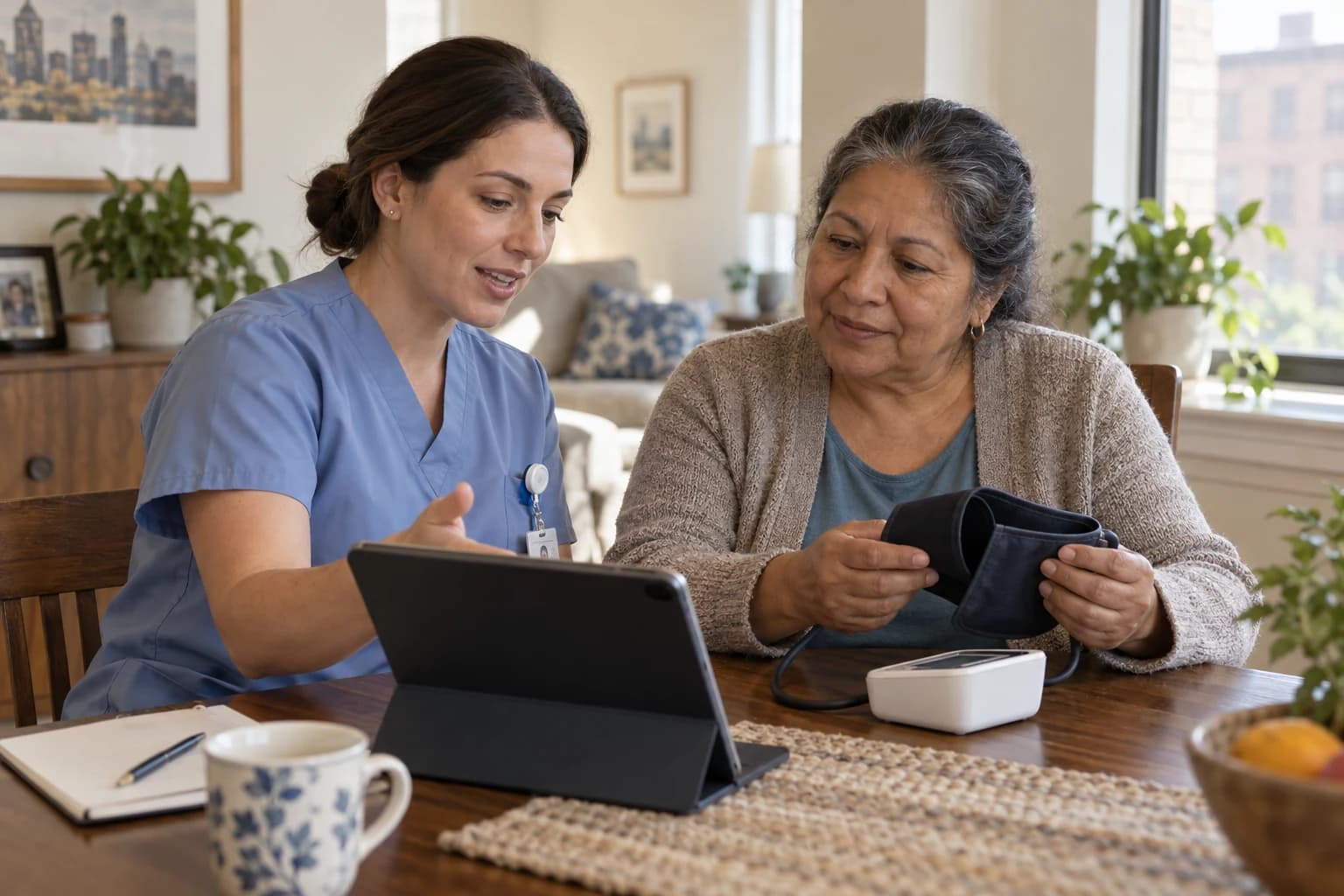
We show you and your caregivers how to use the device and when to take readings.
Regular review
Our clinical team reviews your readings and looks for trends, not just single numbers.
Monthly conversation
A call each month to talk through your readings, symptoms, and medications.
Earlier adjustments
If readings drift out of range, your physician can adjust treatment sooner.
Getting started
What happens at your first visit.
- 1
Your physician orders RPM
We decide together what to monitor and how often, and explain any cost-sharing.
- 2
Device setup
We set up the device and walk you through your first readings, at the office or at home.
- 3
Readings and review
You take readings as directed; our team reviews them and checks in each month.
At home or in the office
Care where it works best for you.
Readings at home
- Daily or regular readings in your normal routine
- Avoids "white-coat" readings taken only at the office
- Useful for homebound and busy patients alike
Office visits still matter
- Your physician examines you and orders labs
- Device readings are compared with office measurements
- Treatment changes are discussed in person when needed
Insurance & coverage
What your plan may cover.
Medicare Part B covers Remote Patient Monitoring when your physician orders it for a medical condition. Your Part B deductible and coinsurance may apply. Many Medicaid and commercial plans also cover RPM, with rules that vary by plan.
We explain what is covered and what you may owe before you start, and you can stop at any time.
We accept most insurance plans, including Medicare and Medicaid, and nobody is turned down. Call (212) 888-2222 and we'll check your benefits.
Do I need Wi-Fi or a smartphone?
Not necessarily. Many devices send readings over a built-in cellular connection. We will choose a device that works for your home.
Is someone watching my readings around the clock?
No. RPM is not an emergency alert service. Our team reviews readings regularly, but if you feel very unwell, call 911.
How often do I take readings?
Your physician will tell you. Many patients take a reading once or twice a day.
Does Medicare cover Remote Patient Monitoring?
Yes, Medicare Part B covers RPM when it is medically necessary. Standard Part B cost-sharing may apply.
Can a caregiver help me use the device?
Yes. We are happy to train family members and aides, and they can help take readings.
Related services

Chronic Care Management (CCM)
A personal care plan and monthly check-ins for two or more chronic conditions.
Learn more
Diabetes Prevention Program (DPP)
A year-long lifestyle program for adults with prediabetes.
Learn more
House Calls · MD2Home®
Physician visits at home for patients who are homebound or can't easily travel.
Learn more
Dr.NYC Health + Systems®
Your doctor, in the office or at your door.
Most plans accepted. Nobody is turned down. Everybody is seen.
If you are experiencing a medical emergency — chest pain, severe shortness of breath, stroke symptoms, uncontrolled bleeding or severe injury — call 911 or go to the nearest emergency room.